
You’ve been using your mobile for years to make calls, take photos and check social media. But there are loads of things your mobile can do that you’ve probably never even tried. You don’t need to be tech-savvy or read manuals. They’re right there, just a couple of taps away, waiting for you to discover them. Here are seven that’ll surprise you.
1. Scan documents without any extra apps
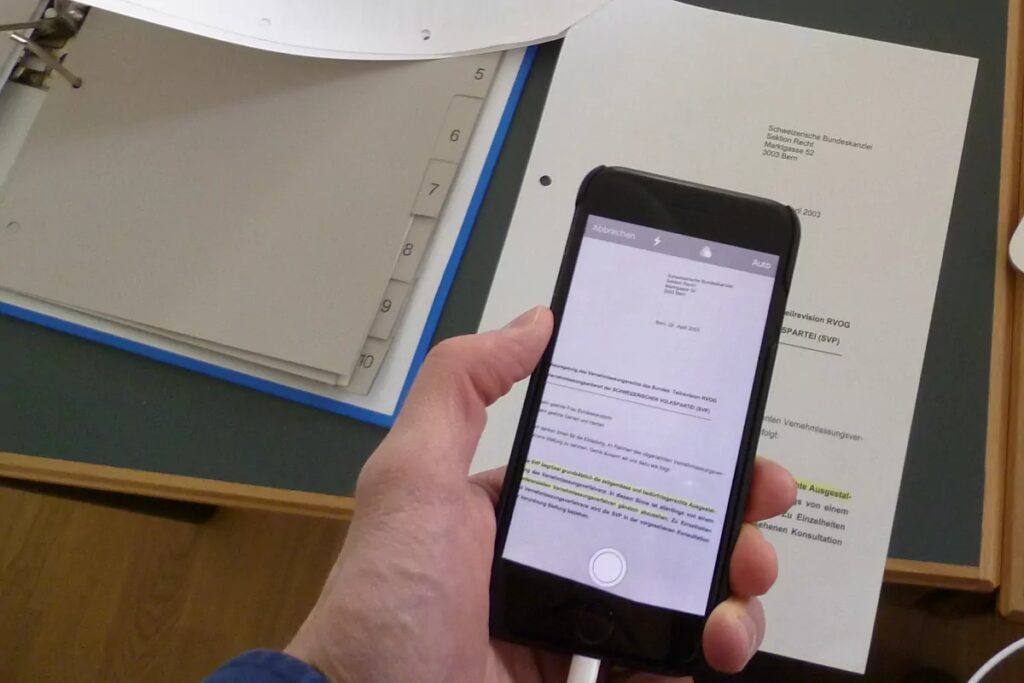
You’ve been taking photos of documents with your camera for ages, only to end up with a crooked, shadowed image. Your mobile can actually scan documents, automatically crop the edges and save them as PDFs. On an iPhone, you can do this in the Notes app. On Android, use Google Drive. That’s it – no need to download anything.
2. Using your mobile as a proper torch… and as a magnifying glass
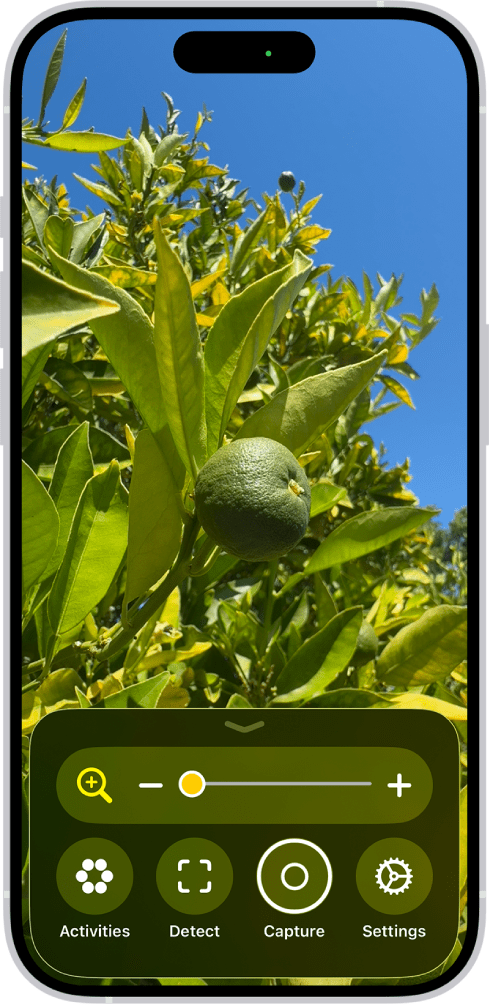
Yes, you’re already familiar with the torch. But you probably aren’t with the magnifier. On the iPhone, it’s called ‘Magnifier’ and can be found under ‘Accessibility’. On Android, you can activate it from the accessibility menu or by doing a quick search in Settings. It magnifies whatever you’re focusing on in real time, with zoom, brightness control and even a freeze-frame option. Perfect for reading small print without straining your eyes.
3. Measuring objects and spaces with the camera
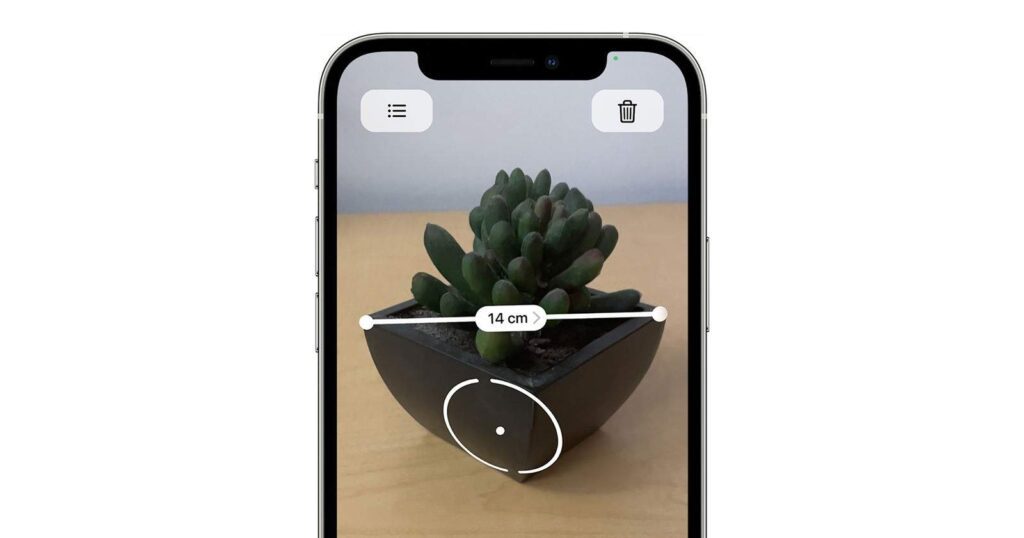
One of the hidden features on your mobile that’s most surprising when you discover it. Both iPhones and many Android phones have a measuring app that uses the camera to calculate distances and dimensions in the real world. You point, tap, and it gives you the measurement. It’s not accurate down to the millimetre, but it’s brilliant for finding out whether that piece of furniture will fit in the living room.
4. Turn it into a universal remote control
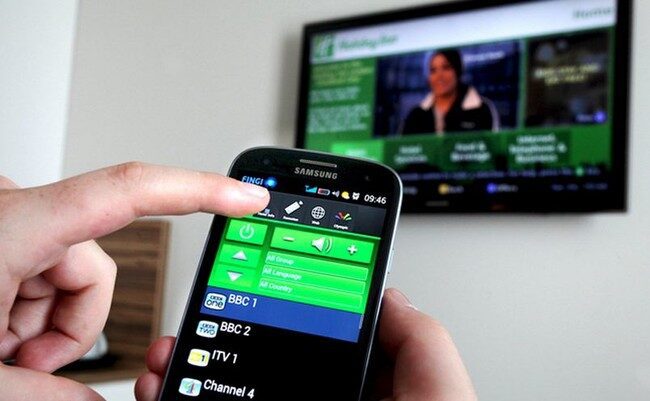
If your mobile has an infrared port, you can control your TV, air conditioning and almost any older household appliance. Many mid-range Android mobiles have this feature, and most people don’t realise it. All you need is an app like Xiaomi Remote or AnyMote. Check your mobile to see if it has an IR port – you might be in for a surprise.
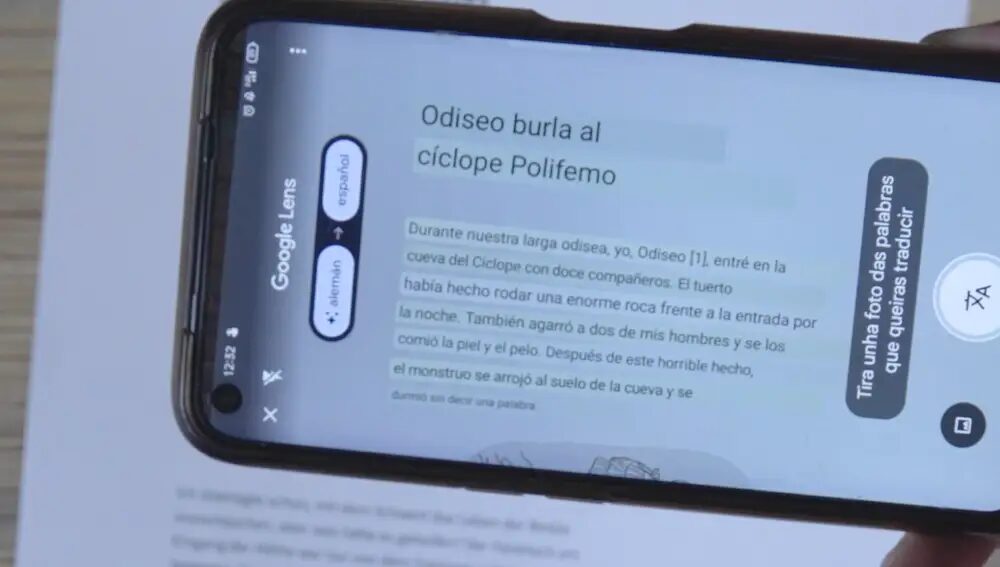
5. Translate text in real time using the camera
You’re in a restaurant, at an airport or reading an imported product and you can’t make head nor tail of it. Open Google Translate, turn on the camera and point it at the text. Your mobile translates it instantly right on top of the original text, without you having to type a single letter. It’s one of those hidden phone features that, once you’ve used it, you can’t believe you didn’t know about it before.
6. Record your screen without third-party apps
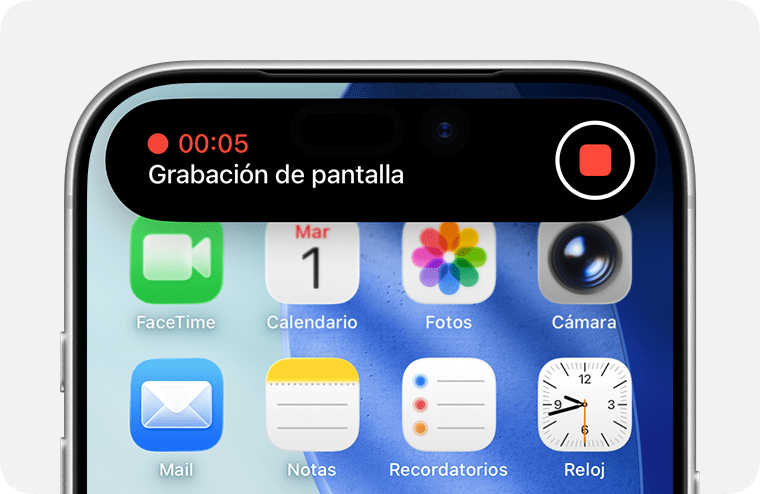
You need to show someone something, save a video you can’t download, or document a bug. Your mobile can record exactly what’s happening on the screen, including sound if you want. On an iPhone, it’s in the Control Centre. On Android, it’s in the quick settings panel. No installation required, no watermarks, no fuss.
7. Use it as a Wi-Fi hotspot for other devices
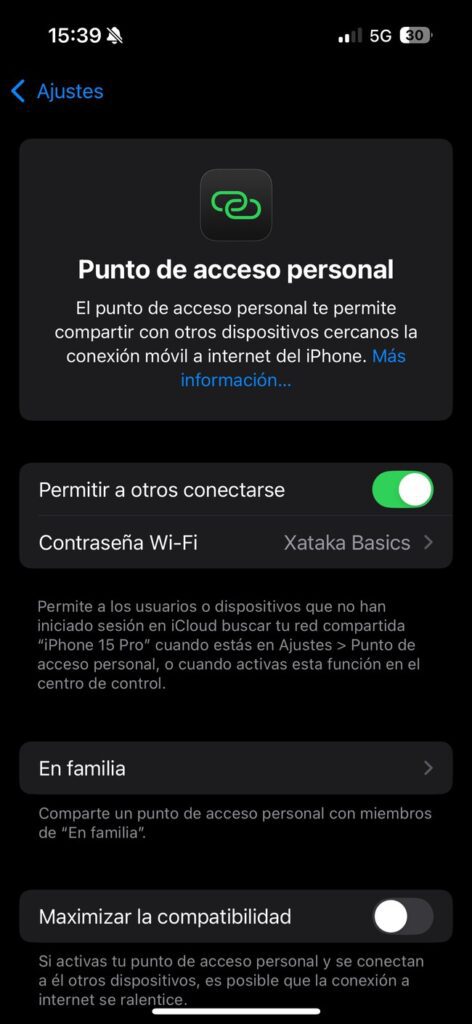
When you don’t have Wi-Fi at home or you’re travelling, your mobile can share its data connection with your laptop, tablet or any other device. This is called a hotspot and can be found in the network settings of any smartphone. It’s something your mobile has been able to do for years and can get you out of more than one tight spot when you’re in a pinch.
 Spanish
 English